Make it yours
Open the browser editor on a desktop and arrange text, graphics, video, web pages and widgets around your video. Use templates as a starting point or create your own look.
 Start here
DisplayHUB overlays / Made for creative minds
Bring your venue to life with graphics, announcements, scores, clocks and more. Design a layout yourself, or invite an artist to create something uniquely yours.
The browser editor works independently of your encoder. Applying overlays requires an eligible paid Controller or AIO subscription and a compatible Android Encoder.
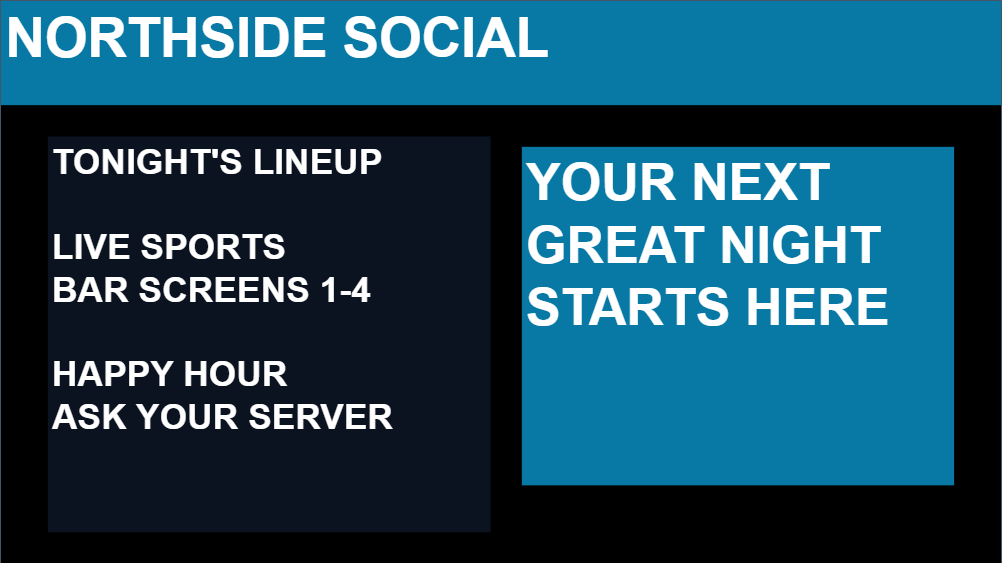
Imagine. Design. Display.
Open the browser editor on a desktop and arrange text, graphics, video, web pages and widgets around your video. Use templates as a starting point or create your own look.
Share your vision, dimensions, branding and desired content with an artist. They can use the editor without access to your venue or encoder and send you a design link or exported JSON.
On your encoder, open Overlay Editor and choose Import design. Review the draft, resolve its media and select Save / Apply. Check the actual program output before use.
Inspiration gallery
Explore editable designs with different video arrangements, layered graphics, scrolling messages, clocks and widgets. The sample footage marks where your HDMI or other primary video will appear; it is not part of the design. Prices, schedules, headlines, weather and market values are illustrative examples. Configure your own details and provider keys; stock widgets need a valid provider key before encoder import. Check provider terms and display rights.
The dental layout includes a disabled social-page layer: replace its placeholder URL before enabling it. Some social platforms block embedding; verify the result on your encoder.
Preview footage: NASA, public domain in the United States. Sources: Earth flyover and rainfall visualization.
The Big Game countdown uses a provisional 2027 kickoff time. Confirm the date and time and update it for your event; configure venue weather with your own provider key.
Fictional logos are transparent PNG layers you can select and replace. Photo and slideshow layers are examples; replace them with your own venue, product or band images. Example photography: golf course, pizza, coffee, engine, concert stage, autumn, wildflowers and fireworks (CC0); Earth (NASA), Ofu Beach and Sprague Mountain (NPS, public domain in the United States). Guitar artwork is CC0.
Watch from the source
NASA offers live space-station video through its official YouTube player. This is a separate provider-hosted embed, not your encoder input or part of a design. The feed can go offline or change. Check provider terms and public-display rights before using any feed at a venue.
Calling creators
Discover layouts from independent creators or submit your own for review. Purchases, delivery and support are arranged directly with the seller; DisplayHUB does not process payments or provide purchase protection.


